This guide provides a clear walkthrough for resetting MFA settings for specific employees within the JumpCloud Admin Portal. Follow these steps to resolve access issues and ensure your team can log in successfully.
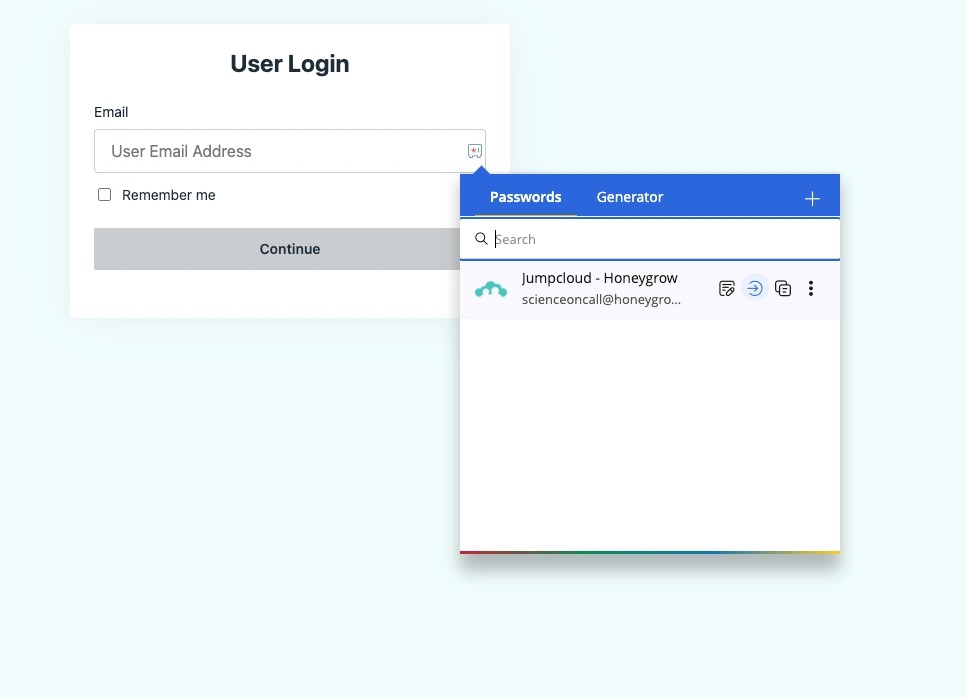
1. Log into Jumpcloud via zoho
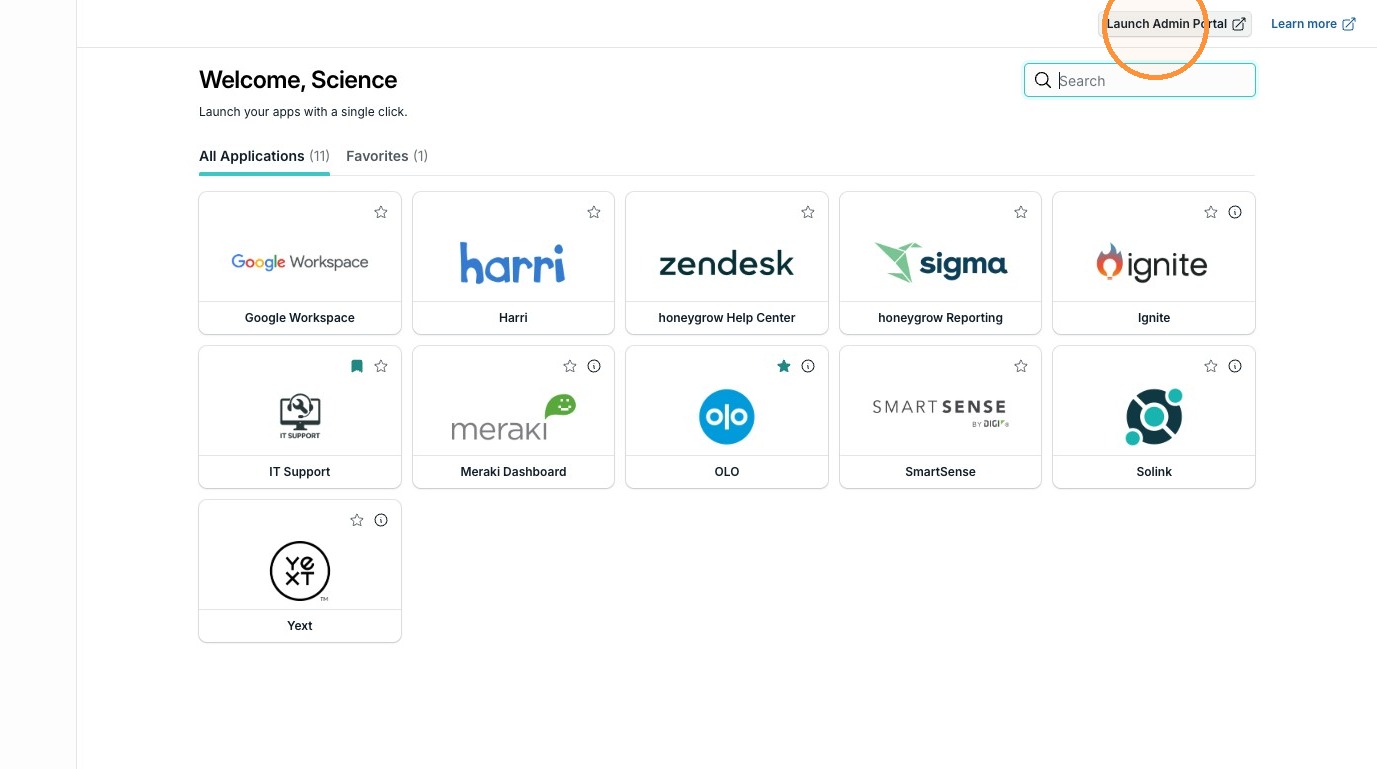
2. Click "Launch Admin Portal"
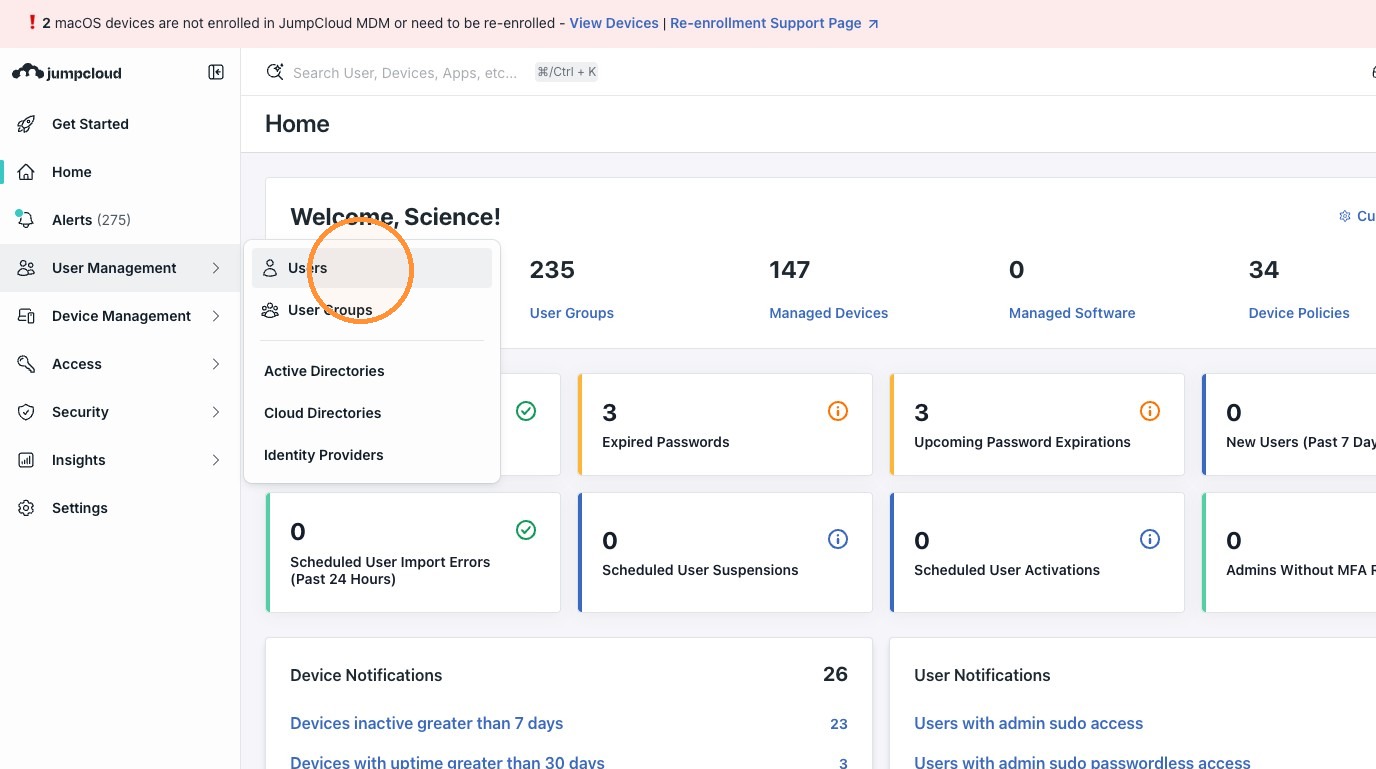
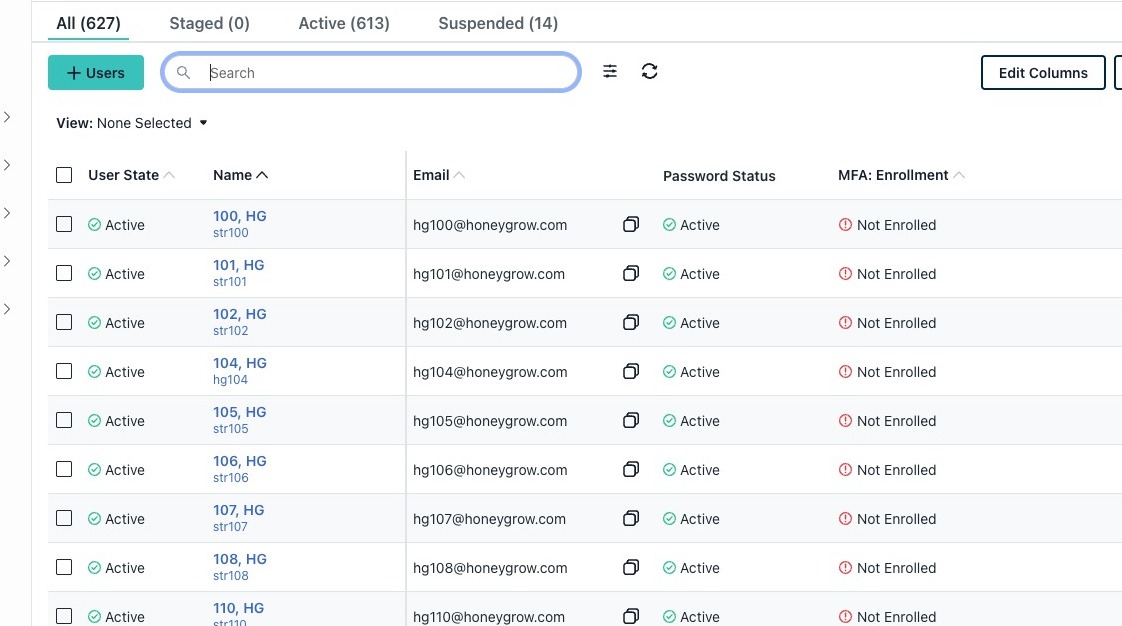
3. Click "Users"
4. Click the "Search" field.
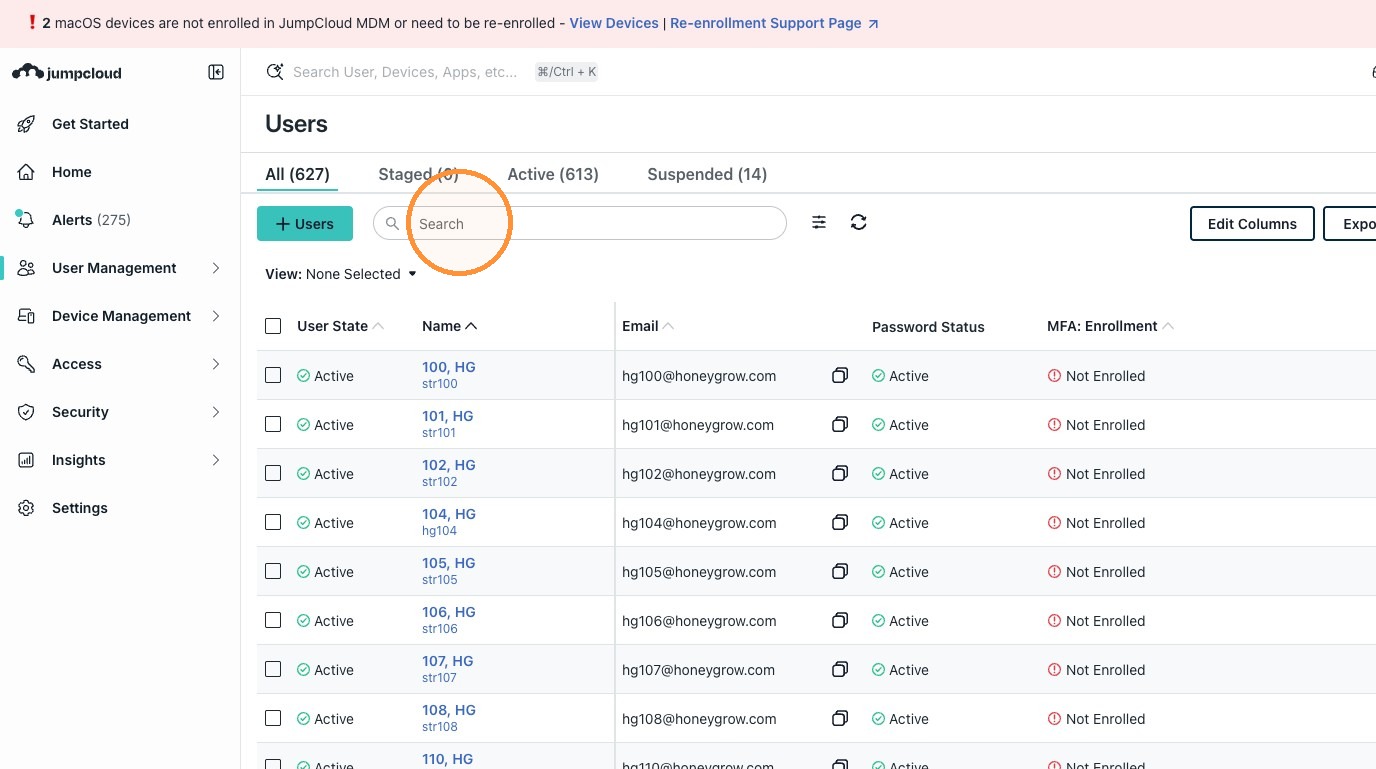
5. Enter Employee number or name
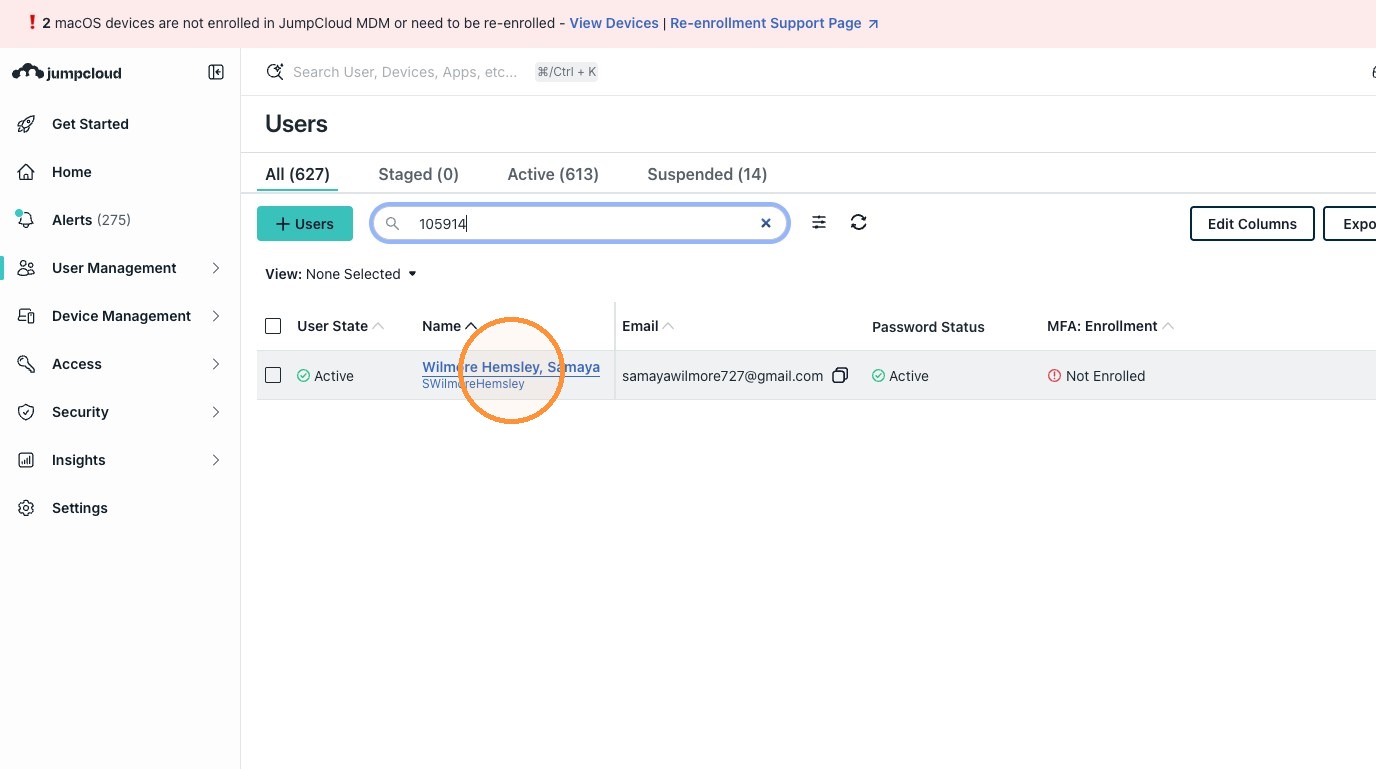
6. Click on the employee in questions name
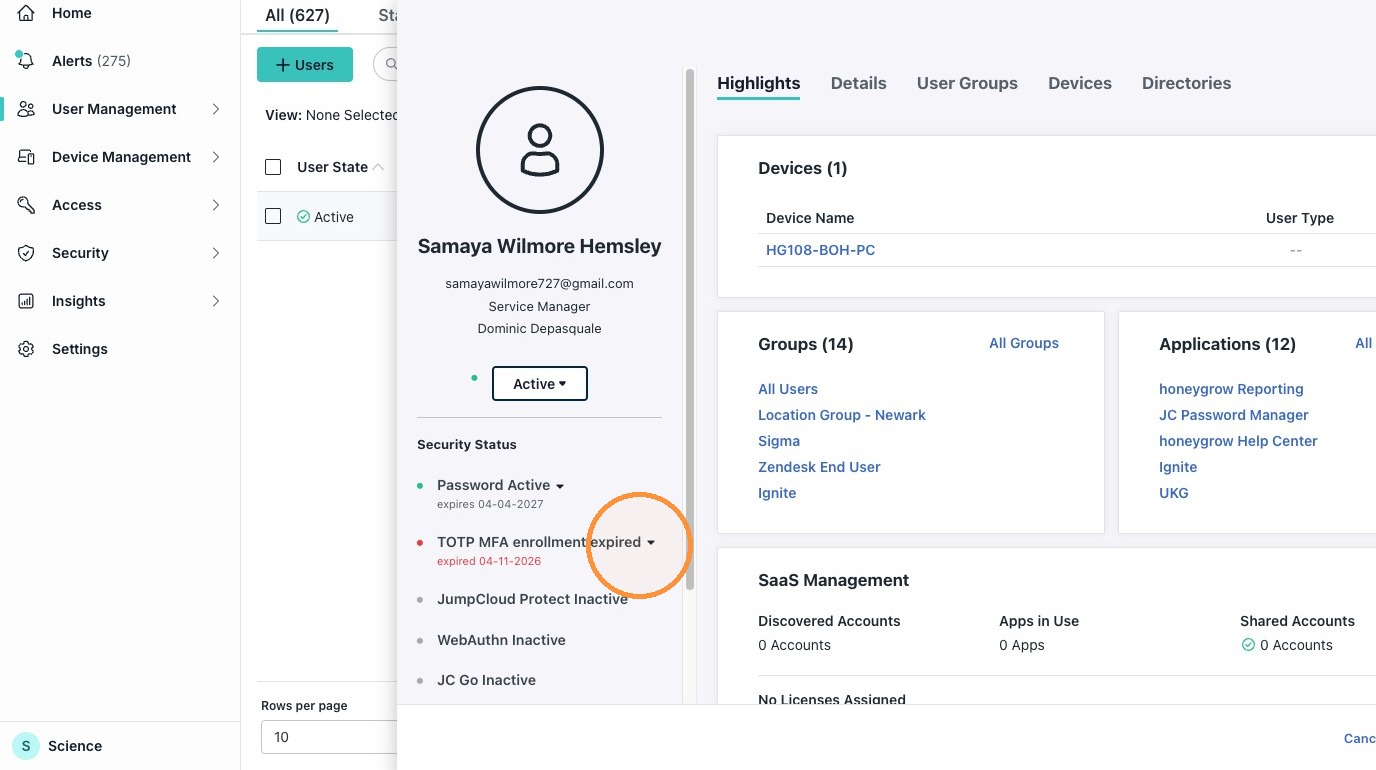
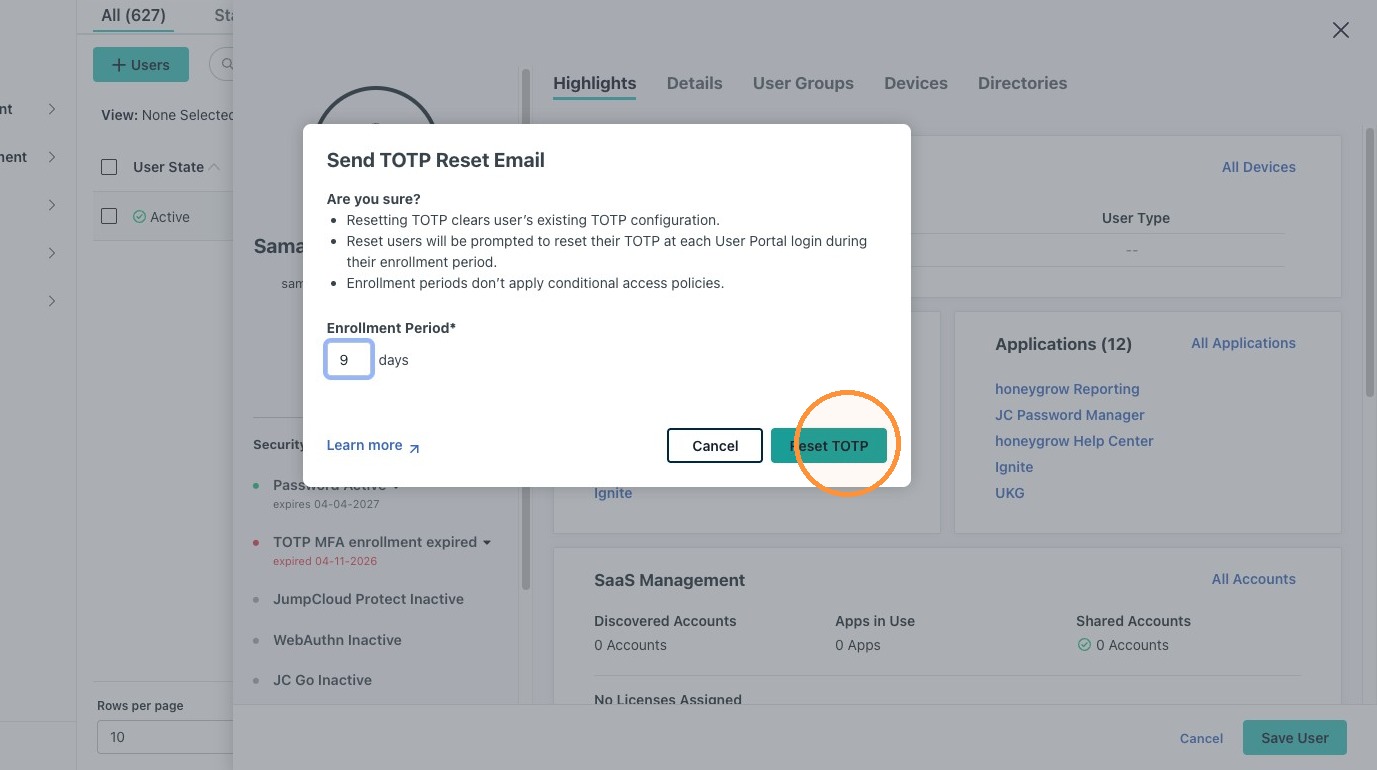
7. Click "TOTP MFA enrollment expired"
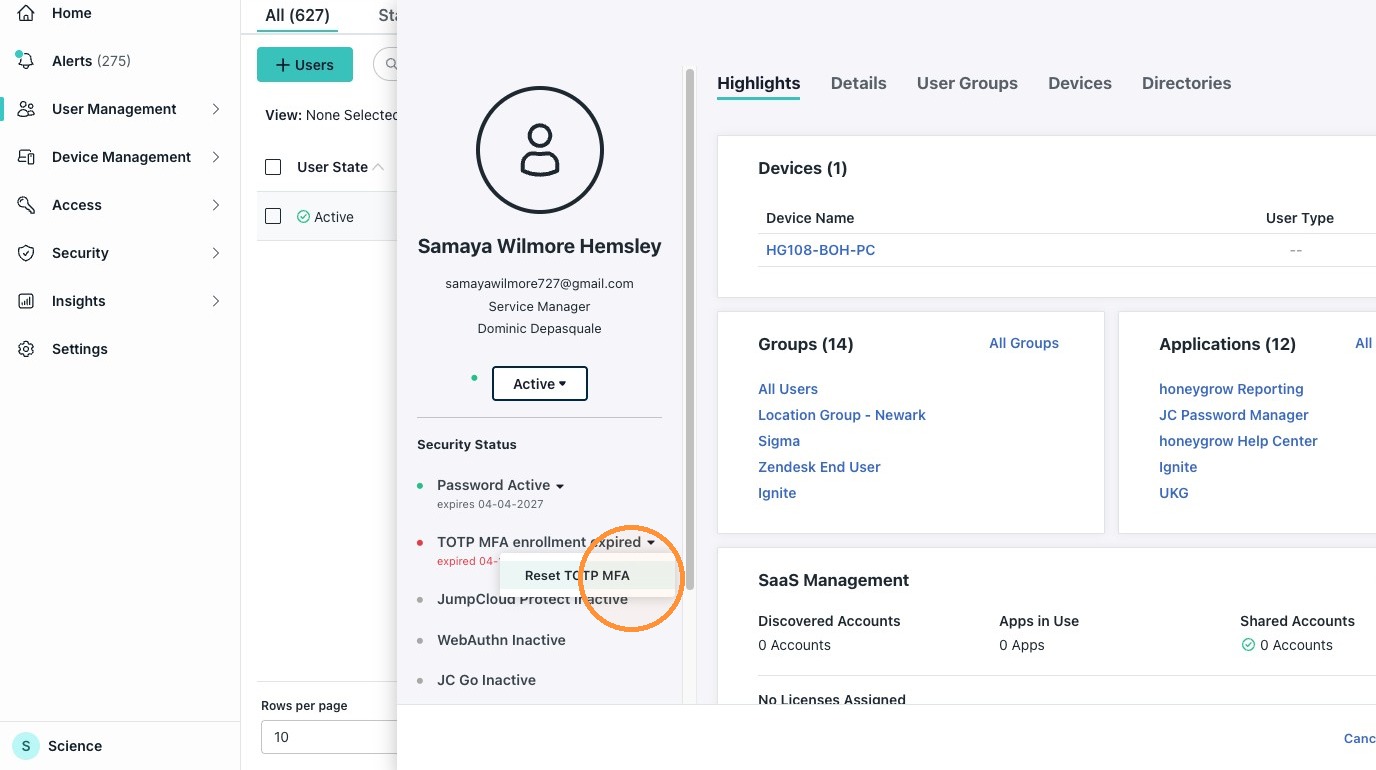
8. Click "Reset TOTP MFA"
9. Click "Reset TOTP"
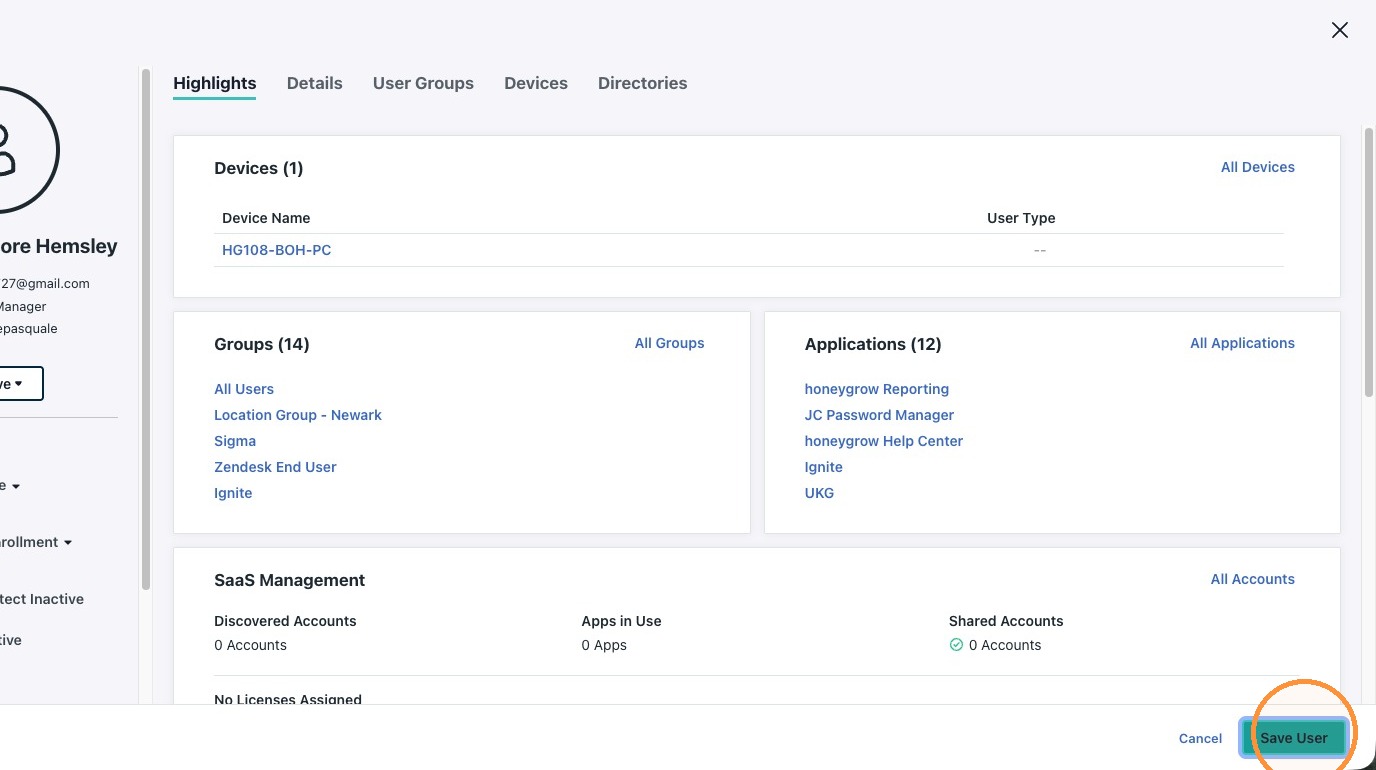
10. Click Save
11. Send Customer this message in your ticket:
Hi There! MFA has been reset! Please set it up or you will be locked out again in 7 days.
Here are the instructions on how to do so:
https://honeygrow.zendesk.com/hc/en-us/articles/26489981409815-SSO-First-Time-Sign-In-Multi-Factor-Authentication-MFA-Setup-via-JumpCloud